Visual Terrain Elevation Database of Japan
Horizontal 90m resolution DEM
 InforShell JP3SDEM Professional Edition Introduction
Visual Terrain Elevation Database of Japan
|
|
Coverage and Resolution
|
|
Data Source
|
|
Scaling Relationship Between Layers
Layer 1: Horizontal resolution of 30 arc seconds (1km)
Layer 2: Horizontal resolution of 3 arc seconds (90m) |
Use of Original DEM Data
|
|
DEM Visualization Details
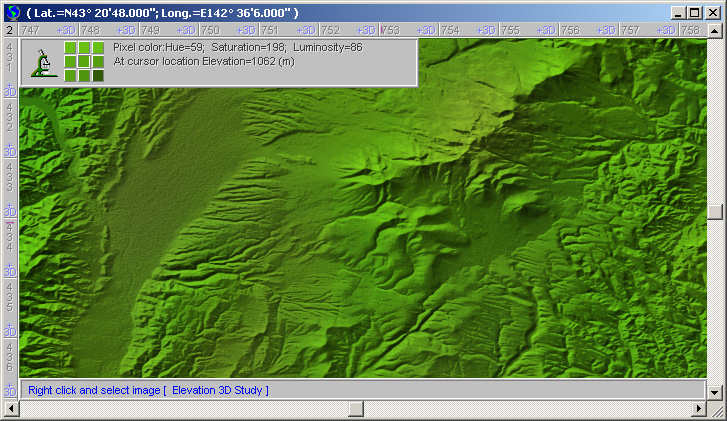
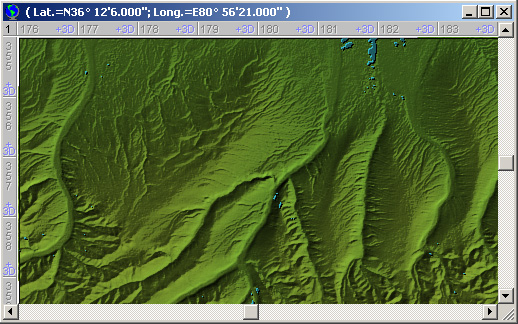
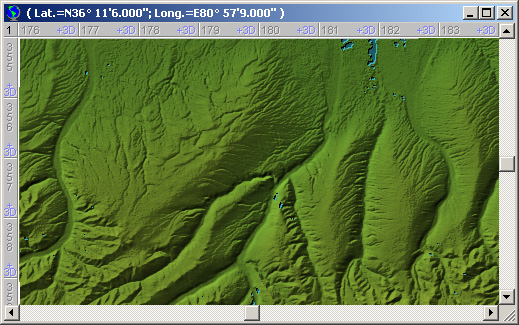
InforShell used a proprietary high resolution data visualization engine to process the DEM and generate the 2.5D true or false color shaded relief imagery.
1. Elevation based color scheme:
2. Elevation based relief shading:
3. Continuity across multiple DEM source files:
4. Mapping DEM data to shaded relief: |
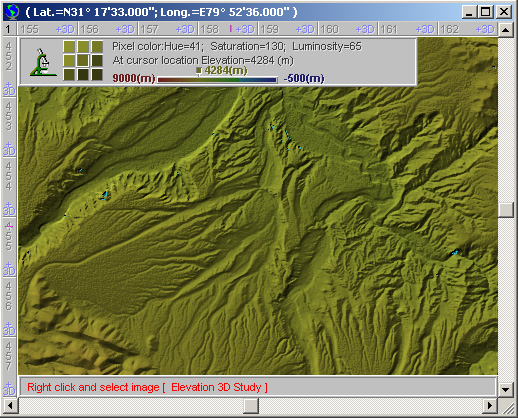
5. 2.5D shaded relief image provides indexing to DEM numerical data:
|
|
Using DEM to Aid Aerial Navigation
When natural disasters occur in mountainous regions, requiring emergency aerial rescue, terrain appearance seen from above will differ during different times of day.
eEarth has built in shaded relief algorithm that can repaint the shadow direction based on user specified sun position. This will help make the generated image resemble actual scenes and facilitate aerial navigation use.
1. Sun position adjustment:
2. Vegetation color adjustment:
Note: Sun position adjustment and vegetation color adjustment can be applied at the same time. |
|
|
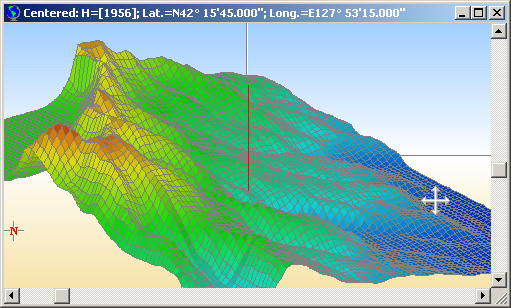
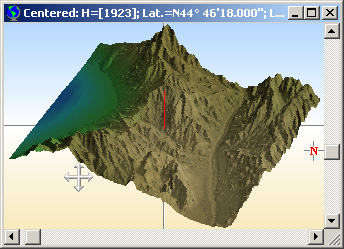
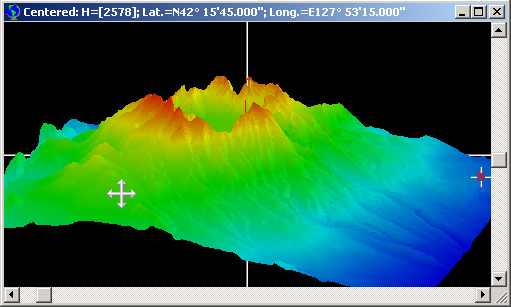
3D Visualization of DEM
Mouse driven active area:
3D visualization options:
Effects of smoothing:
 |
|
|
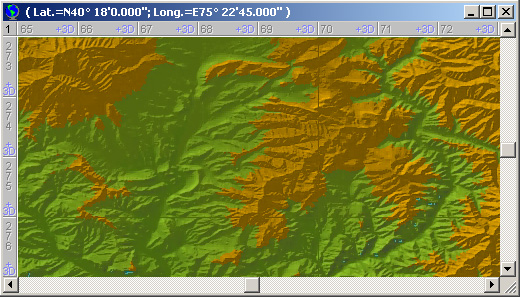
Searching for Target Elevations
Data analysis features:
Usage example: |
|
|
Adding Custom Data
User Notes
Static Data |
|
System Requirements & User Directions
JP3SDEM has excellent portability in the standard Windows PC environment.
Accessing JP3SDEM:
System Requirements: Contact Us For questions about JP3SDEM professional edition, or to obtain a quote, please contact us at sales@inforshells.com. If you're interested in finding out more about this product, please try our full-featured software demo (the geographic coverage is reduced) available for download here (Zip file 91MB). |
|
|